
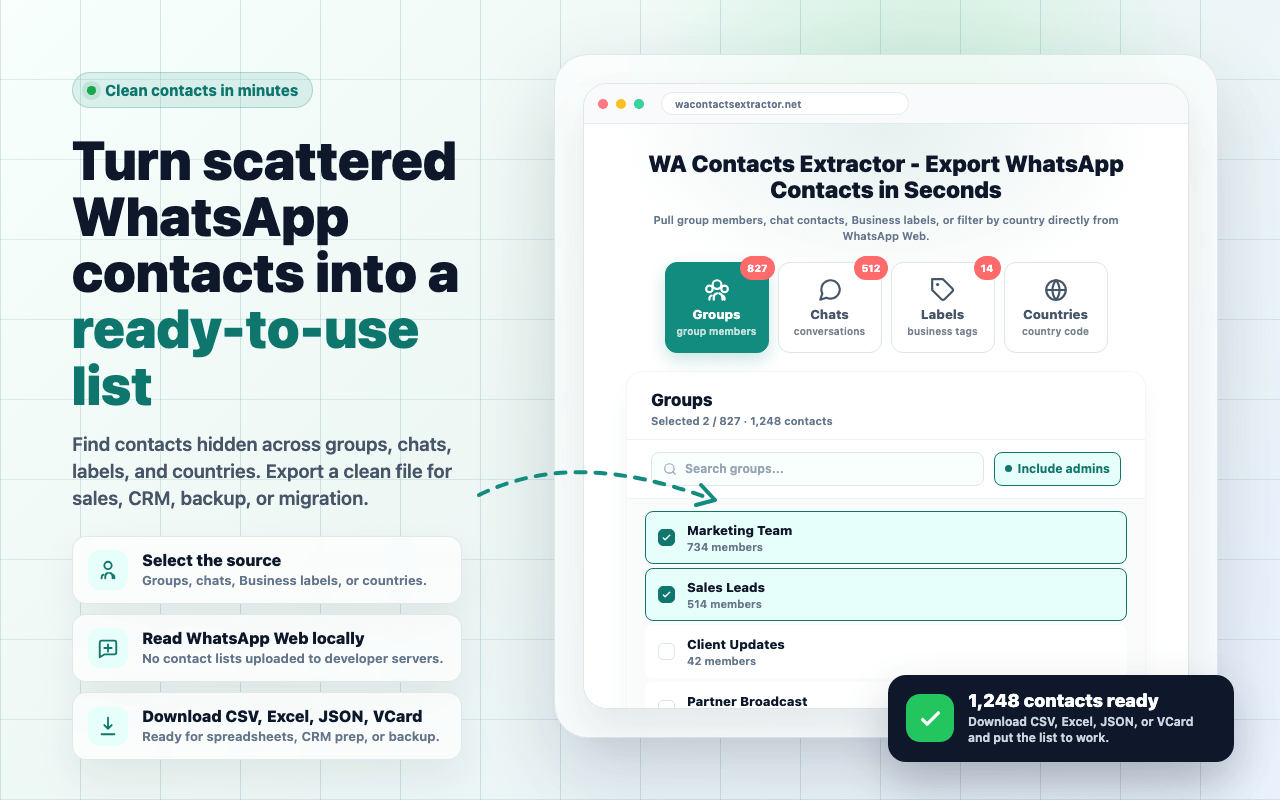
WA Contacts Extractor — Export WhatsApp Contacts in Seconds
Pull group members, chat contacts, Business labels, or filter by country directly from WhatsApp Web. Download contacts as CSV, Excel, JSON, or VCard.
Groups
Browse and export all your WhatsApp groups — members, names, numbers, all in one click.
The fastest, safest way to export WhatsApp contacts
No account needed, no API quota, no fees—one browser extension is all it takes.
100% in your browser
Contacts extracted from WhatsApp Web, CSV/Excel generated client-side, downloaded directly. Our servers never see a single record.
Thousands in seconds
No rate limits, no quotas, no paywalls for trial. Free users can export up to 10 contacts to evaluate.
4 mainstream formats
CSV for Excel, VCard for phone address books, JSON for developers, native Excel for analysis.
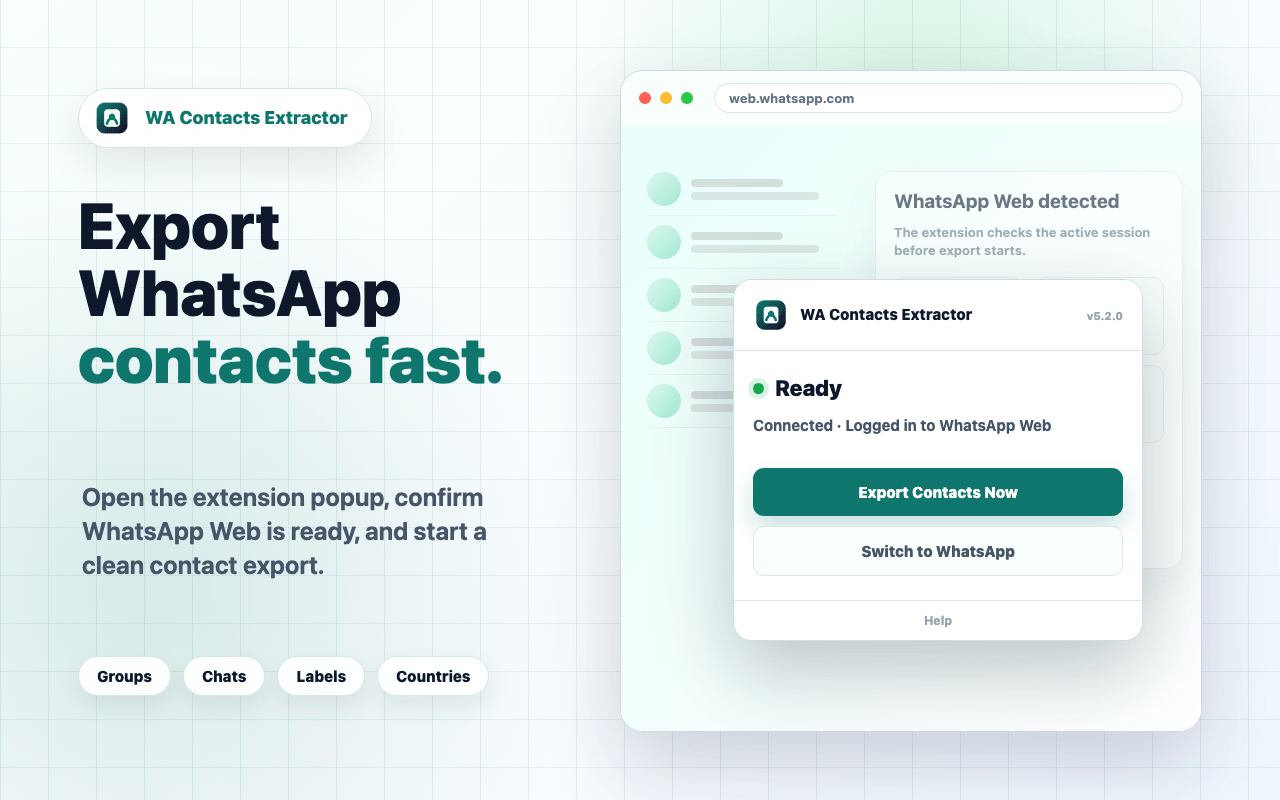
Three steps to export your first WhatsApp contacts
From this page to your CSV file on disk, average user finishes in 90 seconds.
Install the browser extension
Click the button at the top, jump to Chrome Web Store, add in 10 seconds. Free, no account needed.
Open WhatsApp Web
Scan QR with your phone to log in at web.whatsapp.com (the same way you normally use WhatsApp Web).
Pick a source and export
Choose Groups / Labels / Countries above, click Export. The CSV file downloads to your computer in seconds.
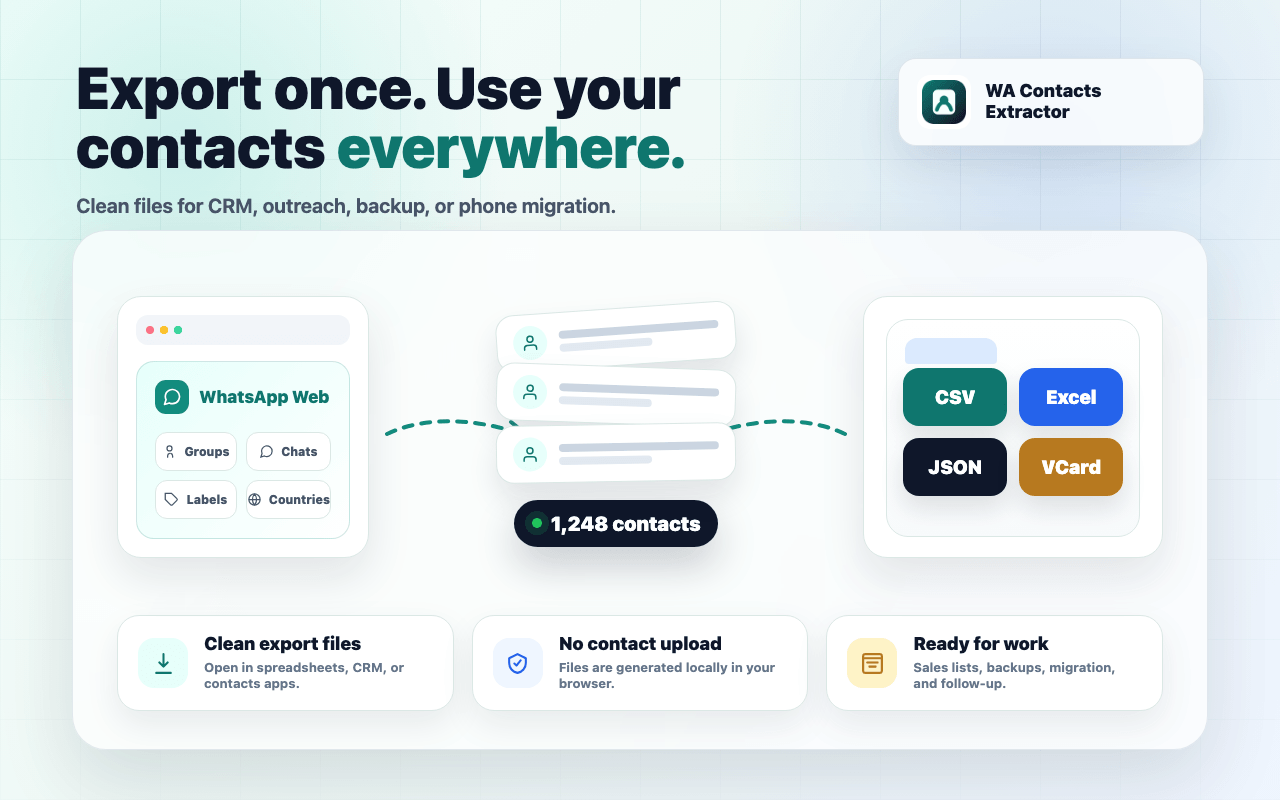
Export to CSV, Excel, JSON, or VCard
Universal spreadsheet
Open with Excel, Google Sheets, or Numbers. The most universal format.
Native Excel
.xlsx file with preserved data types for filtering and pivot tables.
Developer-friendly
Full nested structure. Use it to script CRM imports.
Straight to address book
.vcf file imports directly into iOS / Android contacts.
From sales lists to phone migration — every WhatsApp contacts use case
12,000+ users and growing
WhatsApp Contacts Export FAQ
Start exporting your WhatsApp contacts now
Free install, working in 10 seconds. Uninstall in 1 second if you don't like it.
Add to Chrome · Free